
Intelligent HRMS
Say what needs to happen.
Use chat or voice to give commands to the application and reach supported actions in context. A conversational starting point helps employees and managers work with the system using the input method that suits the moment. Available commands depend on the connected module and user access.
Overview
Chat & voice commands
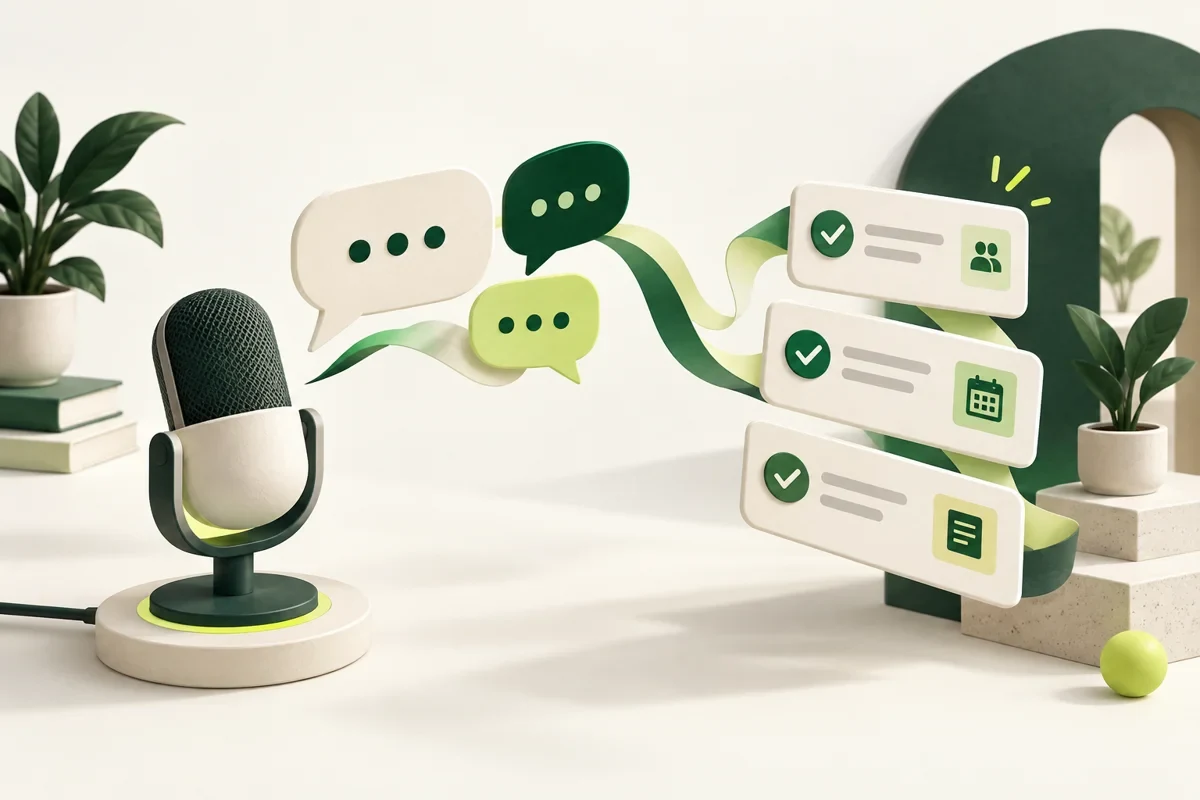
Chat & voice commands let employees and managers work with the system by saying or typing what needs to happen. Supported actions are reached in context, using the input method that suits the moment.
Available commands depend on the connected module and the user's access, so a command never does more than the person could do themselves.
What you get
Designed around the work.
- Start actions from a conversation
- Use voice when typing is inconvenient
- Keep commands within user permissions
- One of 44 documented HRMS capabilities
- Shares one people record with 3 connected products
- Cloud or on-premises
- Talo AI assistance included
Step by step
How it works
- Step 1
Confirm the connected modules and the actions available to each role
- Step 2
Introduce chat or voice as a starting point for supported actions
- Step 3
Review usage and extend the supported commands where useful
Questions
Questions about Chat & voice commands
What can we do with a chat or voice command?
Reach supported actions in the connected modules, such as starting a request, using conversation as the entry point instead of navigating menus.
Can someone use a command to access something they should not?
No. Commands stay within the user's permissions. What is available depends on the connected module and that person's access.
What should we prepare before enabling it?
The modules to connect, the roles that will use commands and the actions each role may reach. Access is confirmed during implementation.
Next step
Payroll, people and time, in one record.
See how it fits your company, then start with the modules you need.