
Employee Portal
From assigned work to visible progress.
Bring project monitoring and tracking into the employee experience. Connect people with their work, follow progress and keep day-to-day activity closer to the wider project context.
Overview
Project monitoring
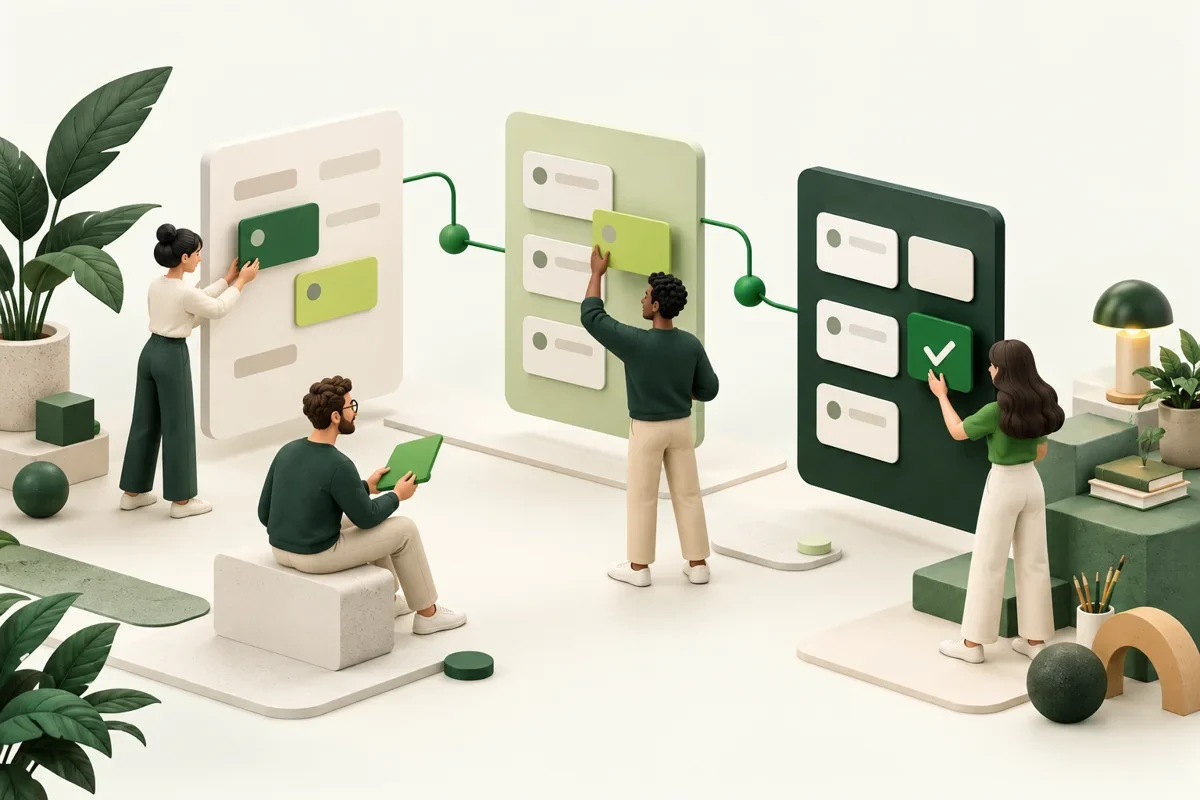
Project monitoring brings project work into the employee experience. People are connected with their assigned work, progress is followed in one place and responsibilities are visible to the team.
Day-to-day activity stays close to the wider project context instead of living in separate tools.
What you get
Designed around the work.
- Connect employees with project work
- Follow progress in one place
- Make responsibilities more visible
- One of 44 documented HRMS capabilities
- Shares one people record with 3 connected products
- Cloud or on-premises
- Talo AI assistance included
Step by step
How it works
- Step 1
Set up projects and connect employees with their assigned work
- Step 2
Follow progress and responsibilities in one place
- Step 3
Review project status with the team and adjust assignments
Questions
Questions about Project monitoring
Who can see a project's progress?
The employees connected to the project and the roles responsible for it, so everyone involved shares the same view of progress and responsibilities.
How does this relate to To-do lists & tracking?
To-do lists organise individual everyday actions; Project monitoring follows assigned work within the wider project context.
What should we prepare before enabling it?
The projects to monitor, the employees assigned to each and the people responsible for reviewing progress.
Next step
Give every employee one place to ask.
See how it fits your company, then start with the modules you need.